Welcome to RIBAssist
Empower your business with RIBAssist—the enterprise-grade Agentic AI designed to automate sales, service, and support across every channel. This guide provides a comprehensive walkthrough of the platform's core features and capabilities.
Platform Overview

98%
Automation Rate
Accelerate performance—let AI handle the heavy lifting seamlessly.
3.5x
Productivity Boost
Transform your workflow efficiency with AI-powered optimization.
500+
Enterprise Users
Trusted by industry leaders to deliver exceptional results.
How it works: AI-Driven Operational Cycle
AI workers are always alert, scanning for signals that indicate the need for action. These signals can include an incoming call, a newly tendered load, or an approaching arrival window. Once detected, the AI quickly analyzes the context to determine the best possible response.
AI workers are built to communicate just like humans—naturally and seamlessly. They can handle live phone calls, place callers on hold when needed, and smoothly transition between emails or text messages. The result is a dynamic interaction that keeps conversations flowing.
The job doesn't end when the conversation wraps up—it's just the beginning. AI workers automatically extract important details from the interaction and log them into your systems without delay. This ensures accurate record-keeping and smooth handoffs to the next phase.
Seamless Integrations
One-click integration into your existing platforms: Easily integrate with Salesforce, HubSpot, Zoho CRM, Slack, Microsoft Teams, Twilio, RingCentral, Gmail, Outlook, and specialized logistics tools like Samsara and Highway.
Central Dashboard
The RIBAssist dashboard provides a real-time snapshot of your entire operation. Monitor active calls, lead conversions, and AI worker performance from a single interface.
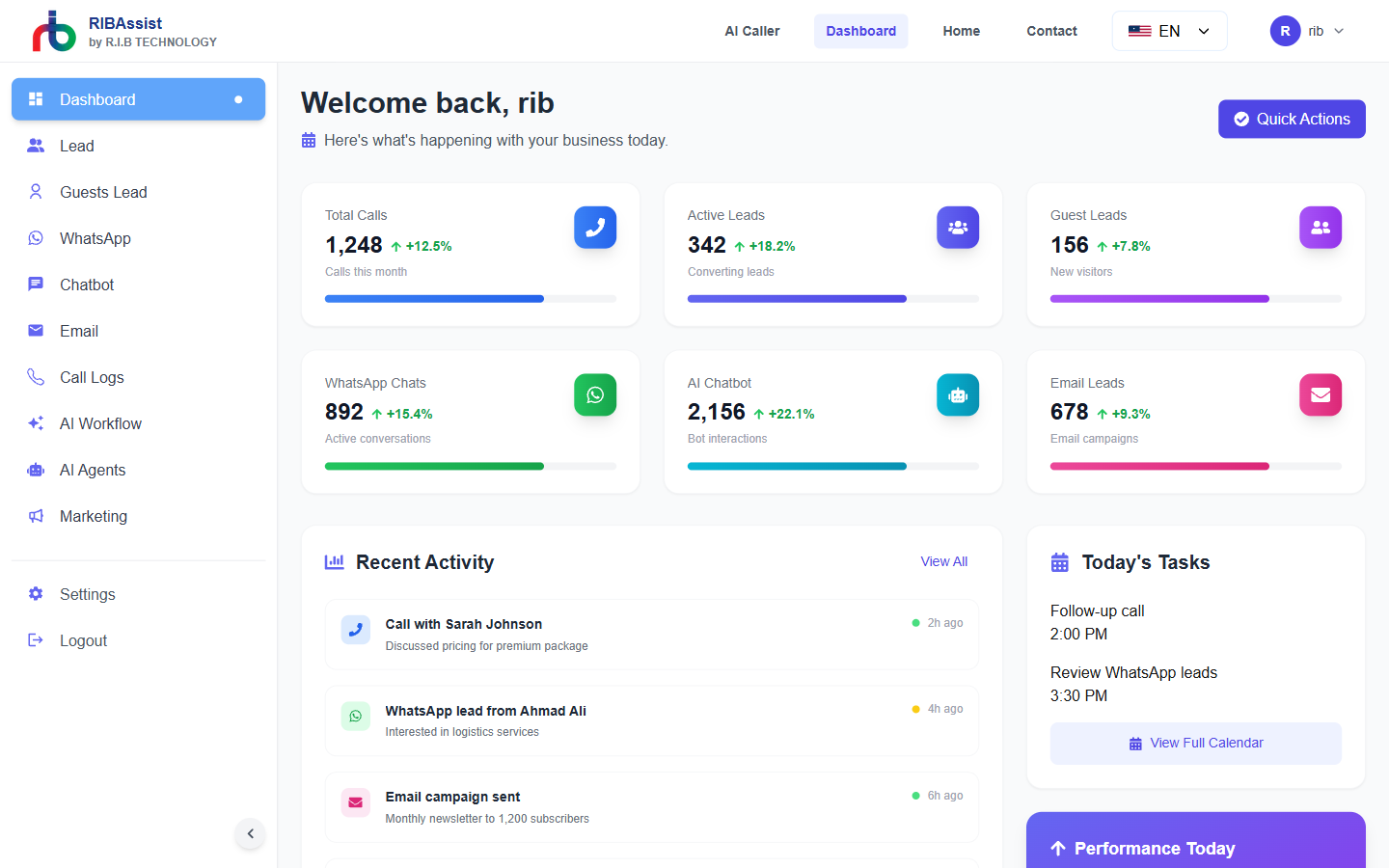
Dashboard Overview: This central hub gives you a bird's-eye view of your entire operation, tracking real-time metrics, active AI workers, and lead conversion rates at a glance.
AI Caller & Voice
Revolutionary voice AI that handles outbound calls and customer follow-ups with natural conversation. Increase connection rates and qualify leads without expanding your human team.
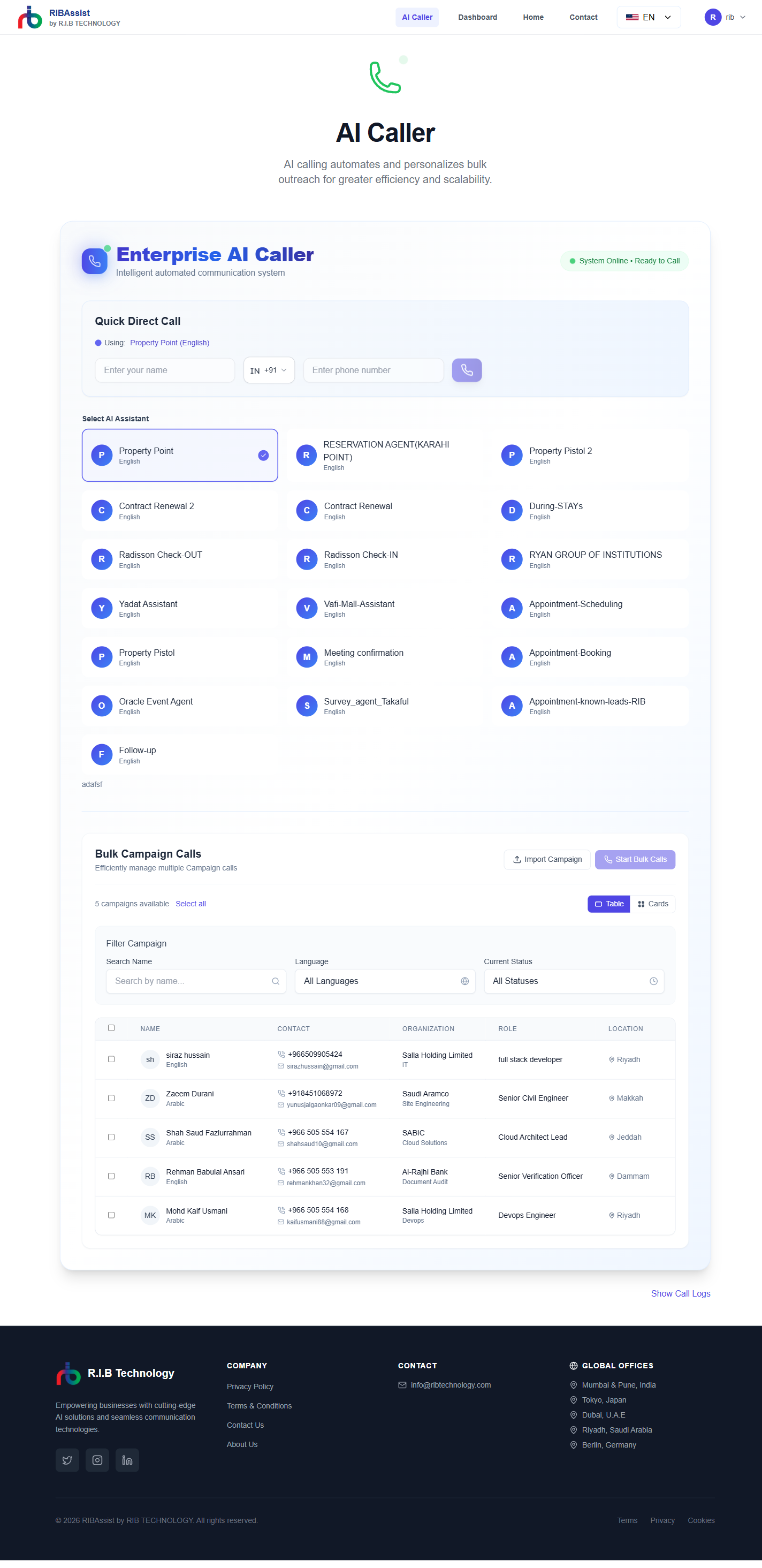
AI Caller System: Manage outbound and inbound voice campaigns where conversational AI naturally engages with users, qualifies prospects, and books meetings autonomously.
Key Voice Capabilities
- Outbound calling for lead qualification and follow-ups.
- Automated scheduling and meeting booking.
- Multilingual support (30+ languages) with real-time translation.
- Sentiment analysis and call transcription.
Omnichannel Communication
Engage with customers on their preferred platforms. RIBAssist integrates seamlessly with WhatsApp, Email, and Web Chat to provide a unified support experience.
WhatsApp & Chatbot Integration
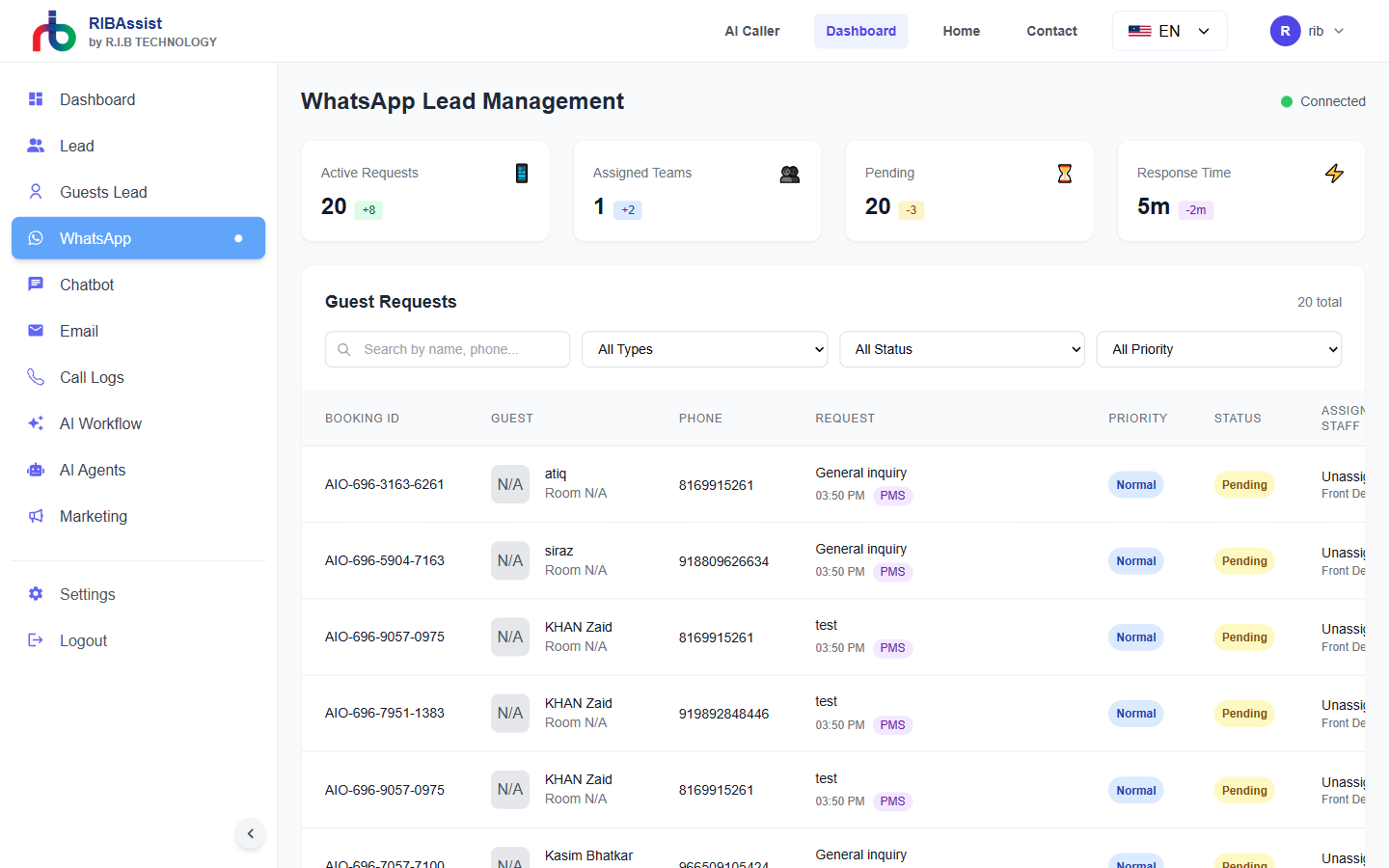
WhatsApp Automation: Effortlessly manage and track WhatsApp conversations, set up instant quick replies, and allow AI agents to handle common customer inquiries 24/7.
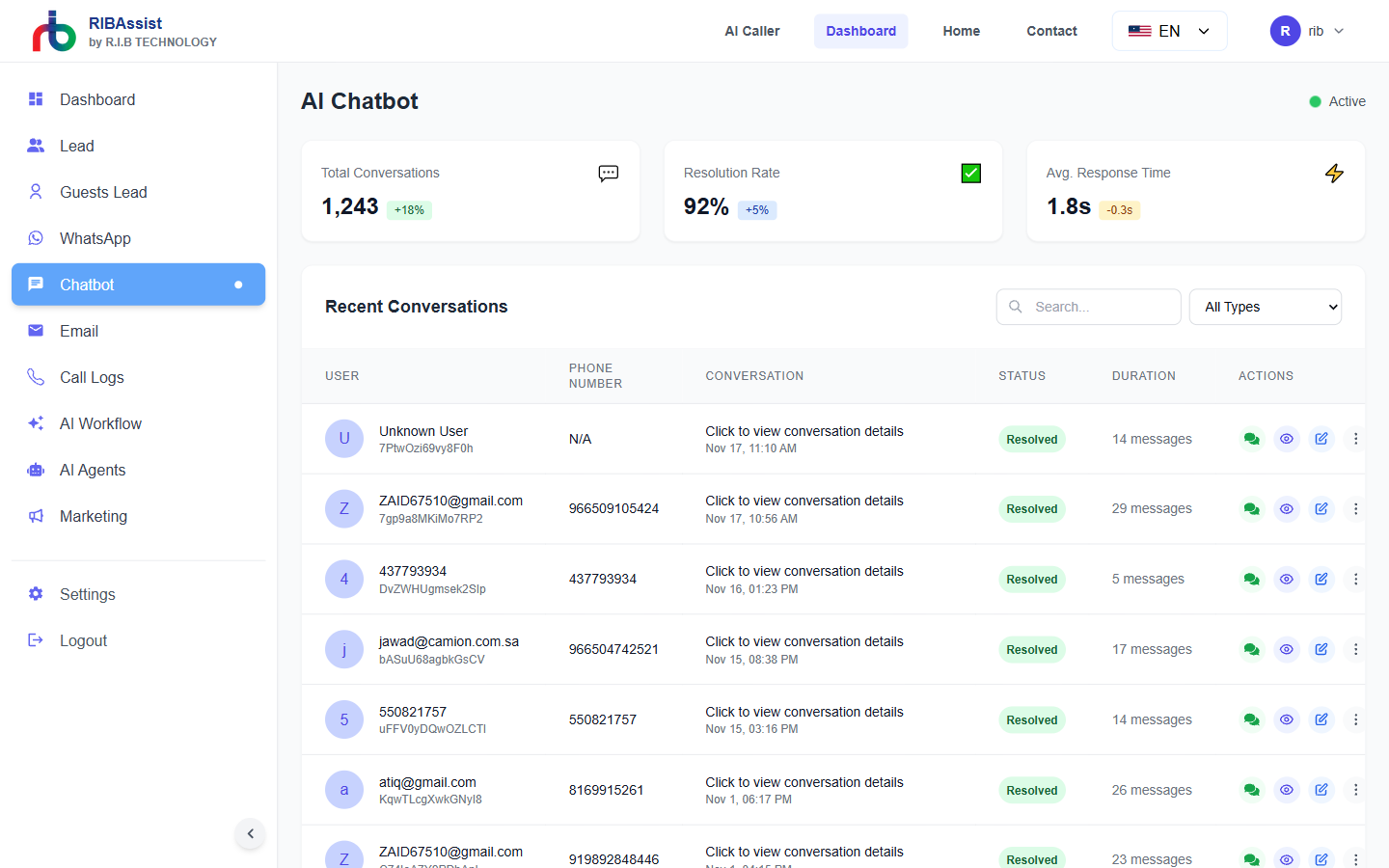
Web Chatbot: Train and deploy intelligent chatbots on your website to qualify leads and answer FAQs directly without human intervention.
Email Management
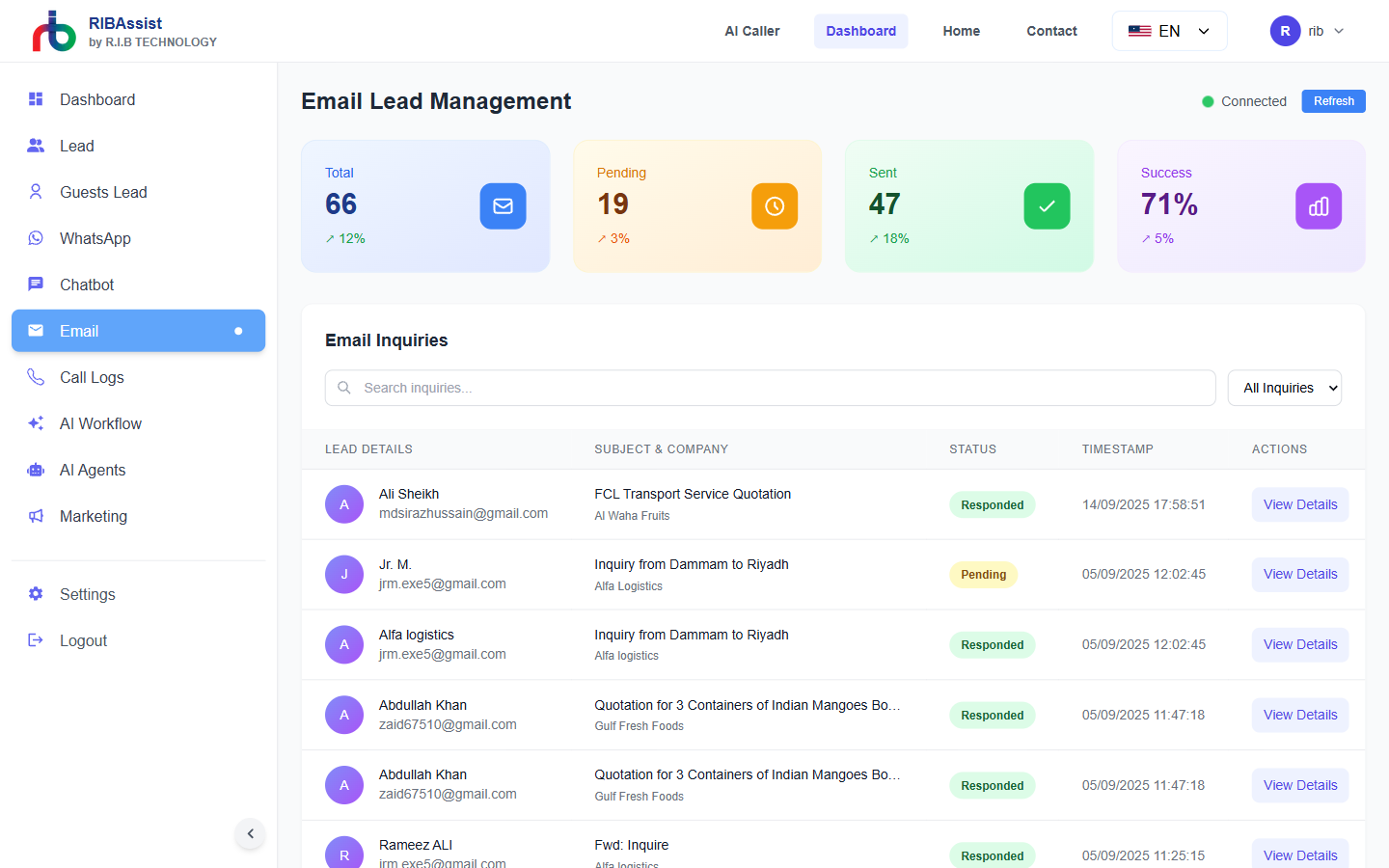
Email Agents: Connect multiple inboxes and let the smart agents draft contextually accurate responses, significantly lowering response times while maintaining your brand voice.
WhatsApp Integration
Automate inquiries and support via WhatsApp Business API.
Email Automation
Intelligent agents that draft, send, and respond to emails while maintaining brand voice.
AI Workflows & Agents
Build and manage complex automation sequences with our node-based workflow builder. Define triggers, actions, and conditions to create custom business logic.
AI Agents
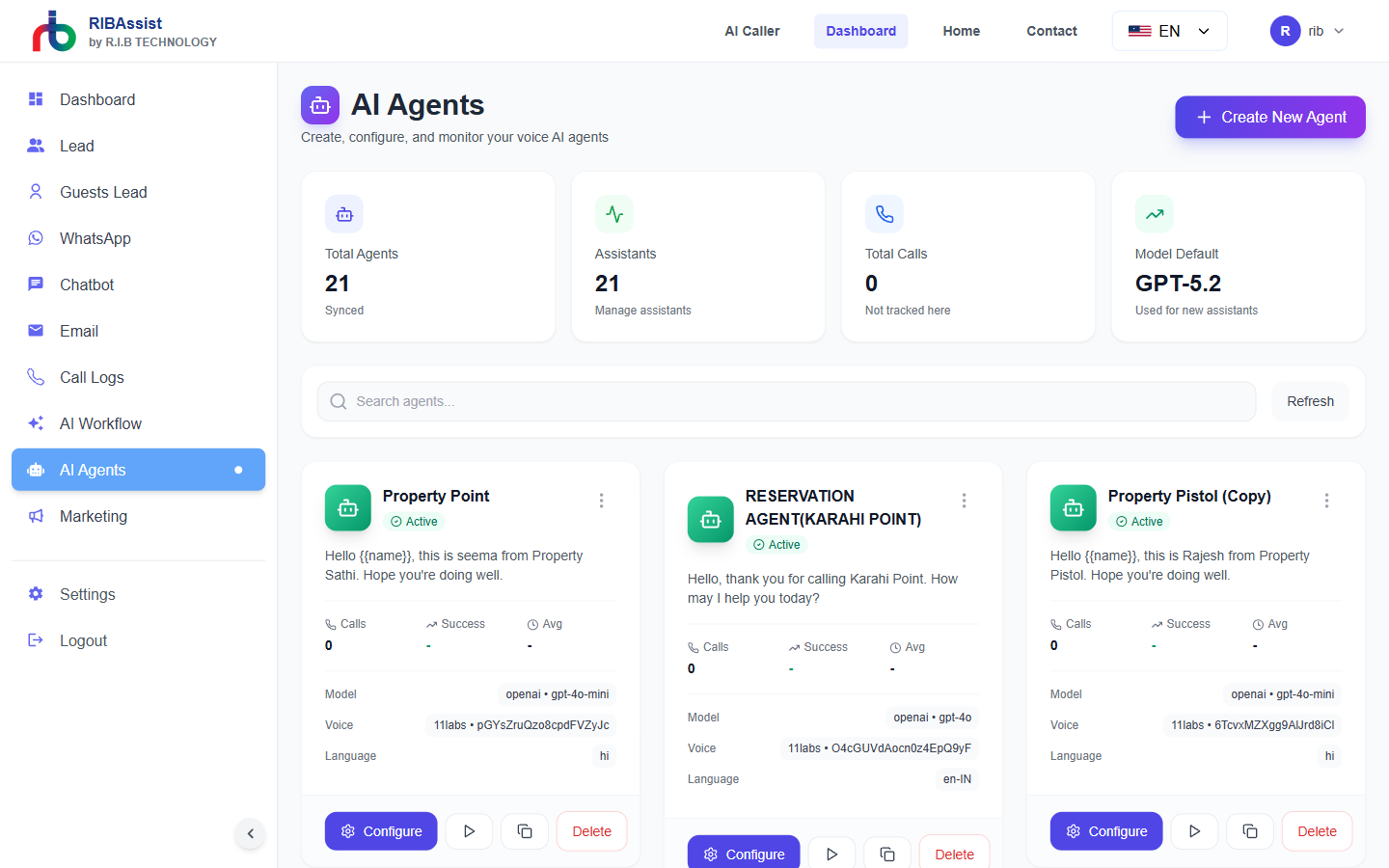
Configuring Agents: Manage specialized agents like Front Desk, Collections, and Sales assistants. Tailor their skills to fit specific business needs naturally.
Workflow Builder
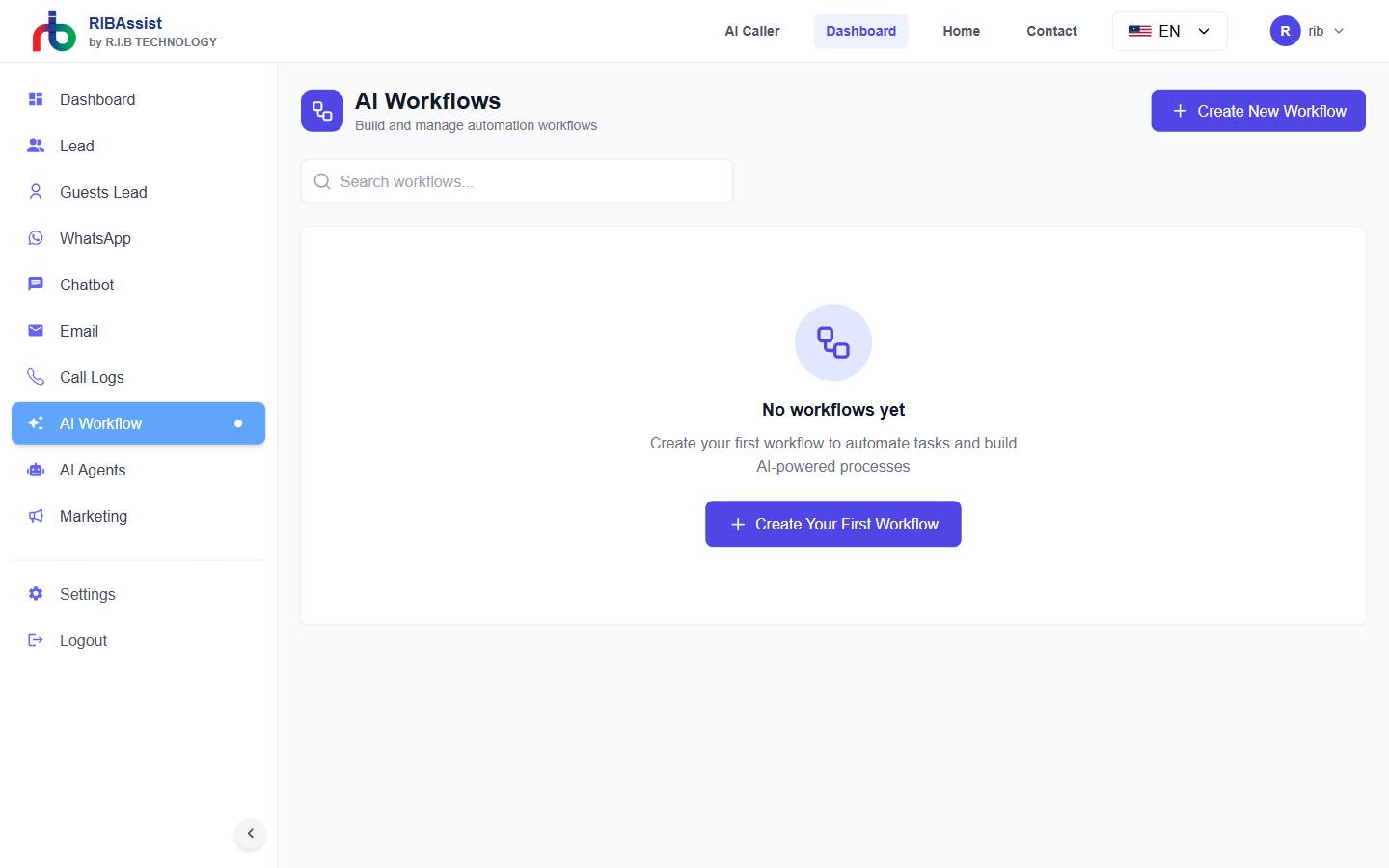
Visual Automation Rules: Use a simple, drag-and-drop interface to create multi-step operations connecting different platforms without a single line of code.
Lead Management
Track your sales pipeline from initial contact to successful conversion. The CRM module organizes leads from all sources into a manageable queue.
Leads View
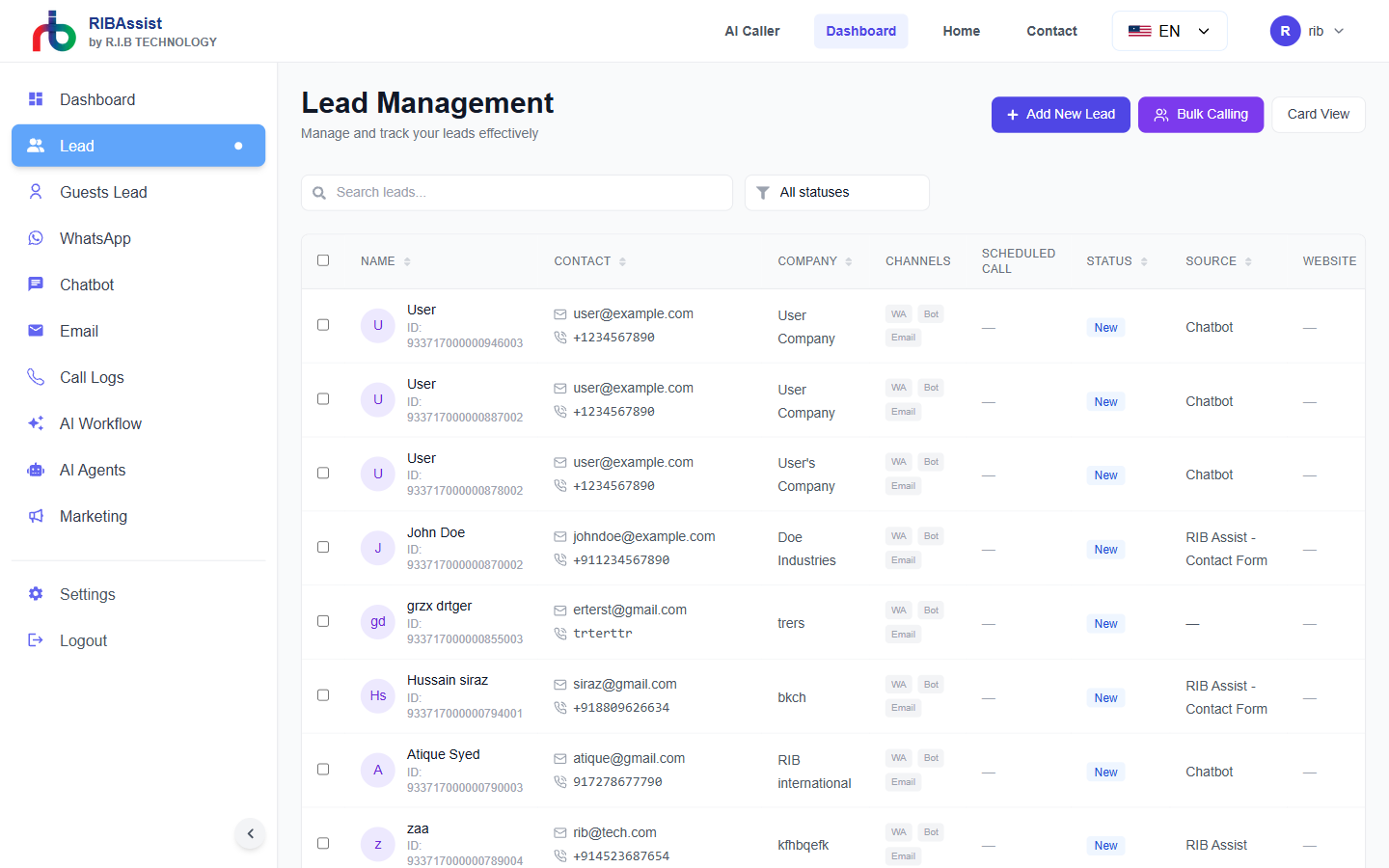
Primary Lead Queue: This CRM section handles qualified properties and deal progression. Follow each client's journey through detailed profile cards and communication history.
Guests Lead
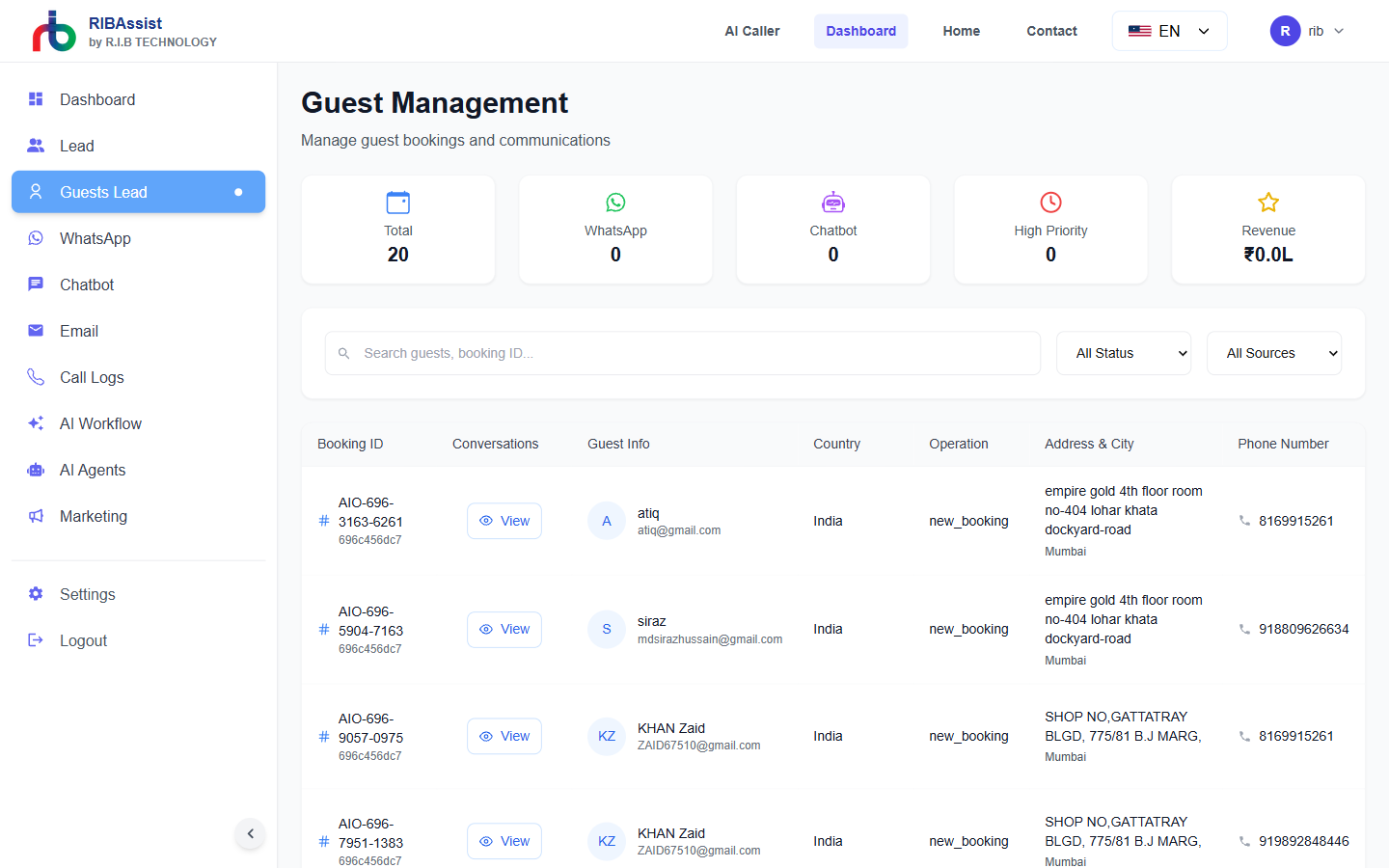
Top-of-Funnel Tracking: Organize prospects that are just discovering your brand. You can nurture these guest leads through campaigns before upgrading them to primary leads.
Leads
Primary CRM for sales opportunities and qualified prospects.
Guests Lead
Track top-of-funnel inquiries and website visitor interactions.
Reports & Settings
Manage application-wide preferences, review call transcripts, and track email campaigns to optimize conversions continually.
Marketing & Campaigns
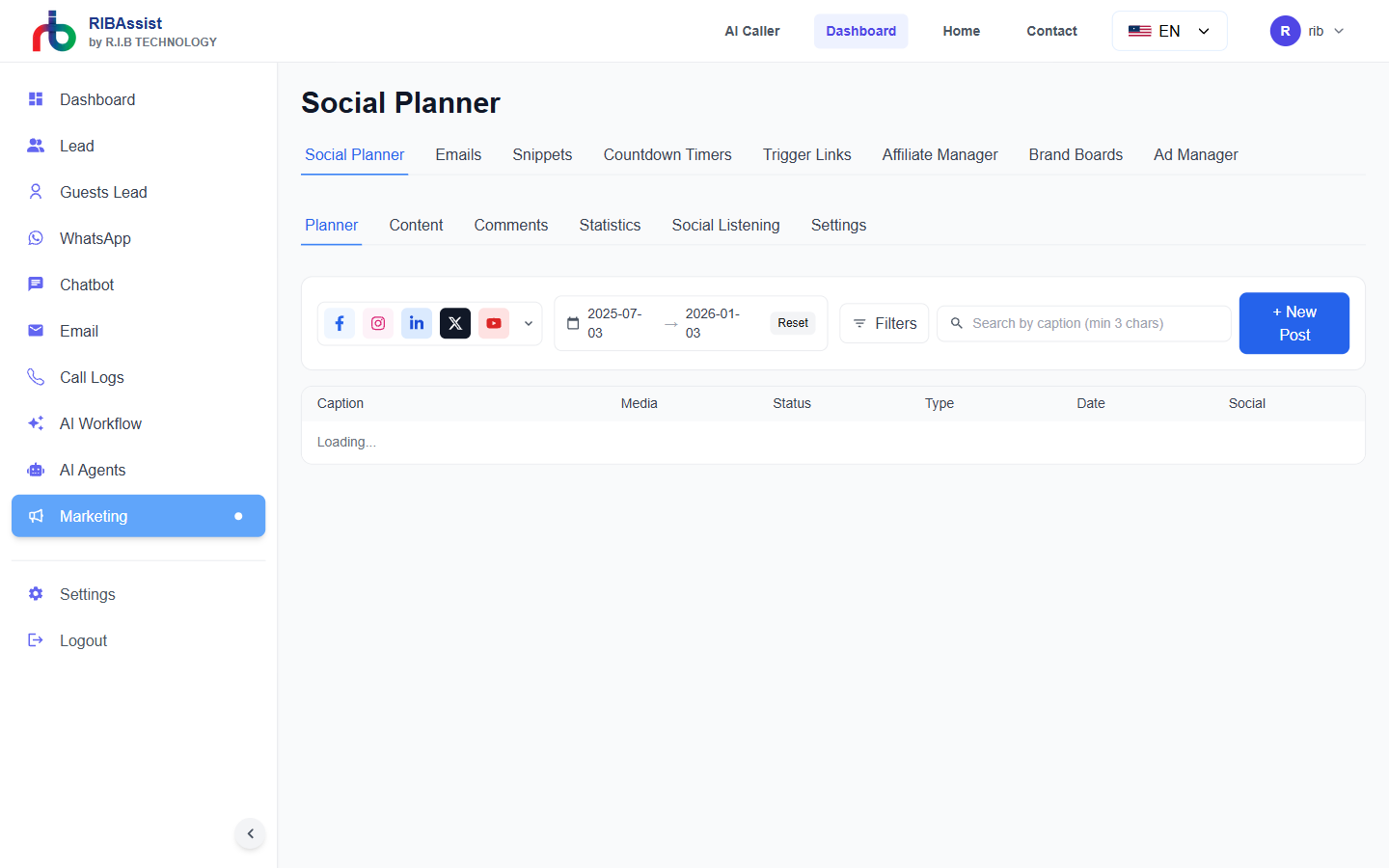
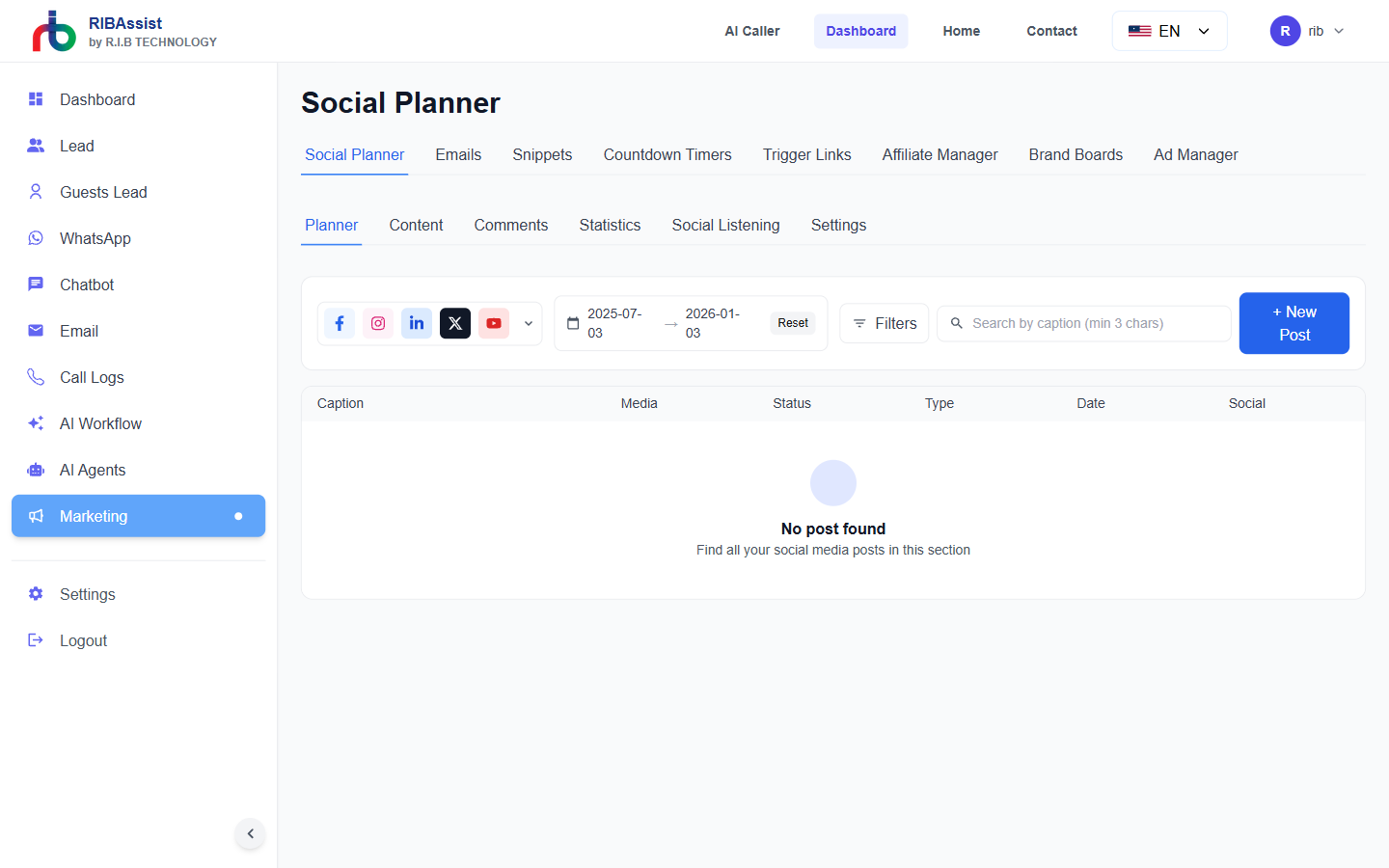
Marketing Orchestration: Create broadcast templates and deploy automated campaigns across user channels. Evaluate open rates and reply behaviors over time.
Call Logs
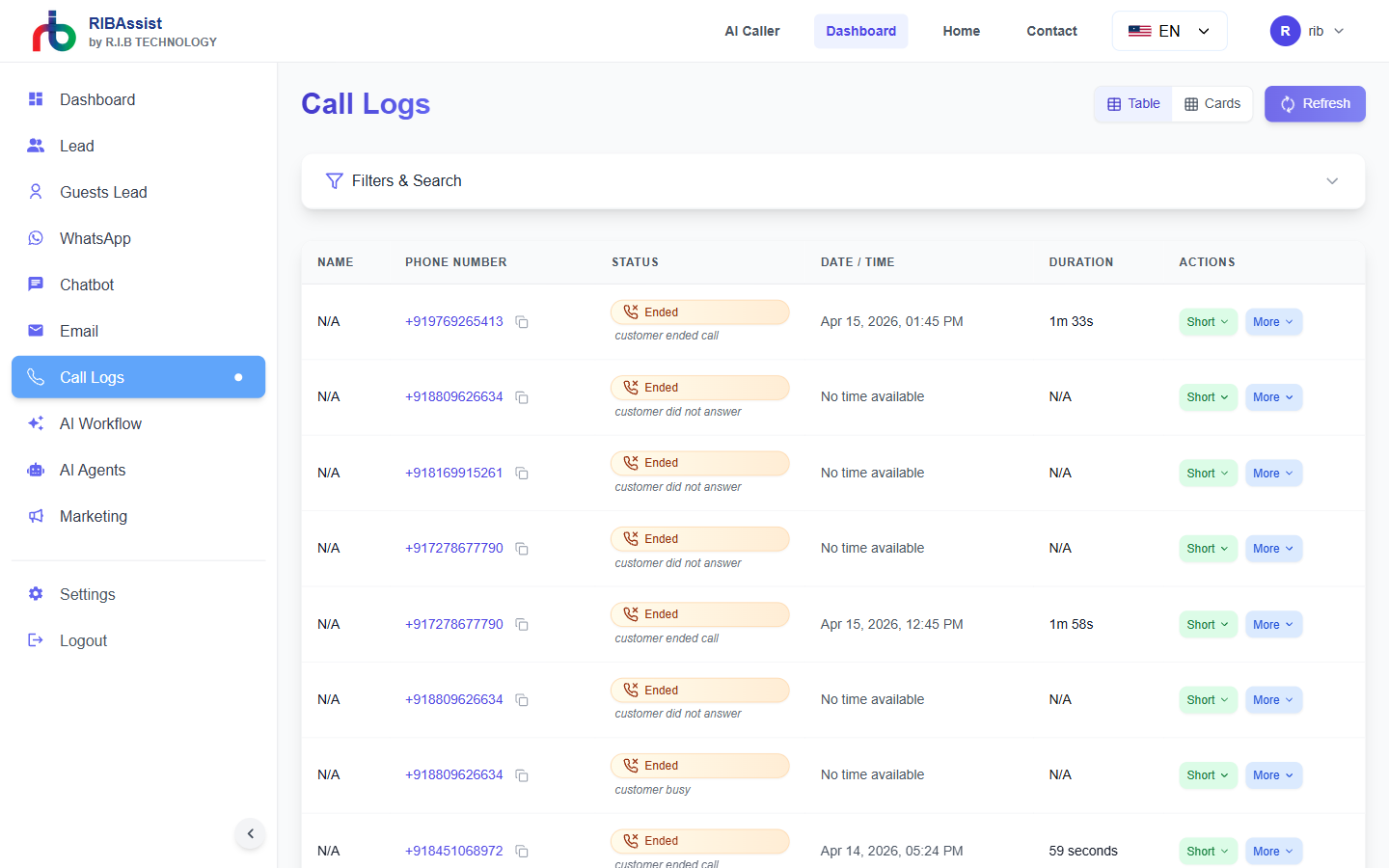
Call Transcriptions: Monitor individual inbound and outbound interactions with detailed durations, sentiment evaluations, and complete transcriptions.
System Settings
General Configuration: Customize user profiles, connection keys for CRM integrations, and billing from the central settings platform setup.
Security At The Core
Enterprise-grade protection for your data, communications, and operations.
Strict Safeguards for Training Data Privacy
Our systems implement industry-leading encryption and anonymization protocols to ensure your data remains private during AI training. We enforce strict access controls and compliance with global privacy regulations.
Robust Security and Confidentiality for Customer Data
All customer information is protected with enterprise-grade security measures including end-to-end encryption, regular security audits, and zero-trust architecture. Your data is sealed in a secure environment with no unauthorized access.
Fact-Driven and Verifiable Responses
Our AI is designed to provide accurate, transparent, and verifiable information. Every response is based on documented facts and sources, eliminating misinformation and ensuring you can trust the intelligence our system delivers.